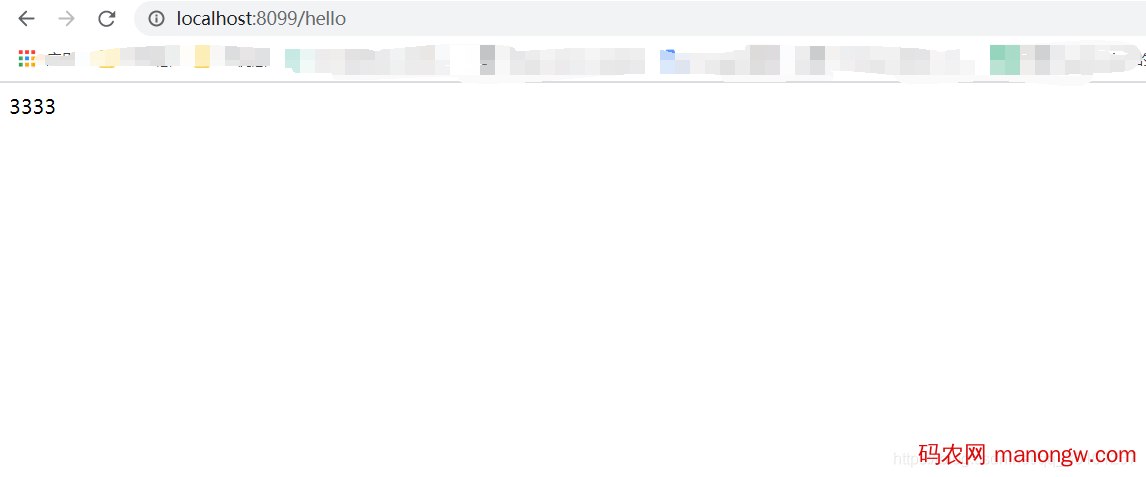



最近要做一个java web项目,因为页面不是很多,所以就没有前后端分离,前后端写在一起,这时候就用到thymeleaf了,以下是不动脑式的傻瓜教程。。。。。
一:创建spring boot的web项目,过程略;
二:依赖如下:
<dependency>
      <groupId>org.springframework.boot</groupId>
      <artifactId>spring-boot-starter-web</artifactId>
    </dependency>

    <dependency>
      <groupId>org.springframework.boot</groupId>
      <artifactId>spring-boot-starter-thymeleaf</artifactId>
      <version>2.1.2.RELEASE</version>
    </dependency>

    <dependency>
      <groupId>org.springframework.boot</groupId>
      <artifactId>spring-boot-starter-test</artifactId>
      <scope>test</scope>
      <exclusions>
        <exclusion>
          <groupId>org.junit.vintage</groupId>
          <artifactId>junit-vintage-engine</artifactId>
        </exclusion>
      </exclusions>
    </dependency>
三:配置文件:application.properties
#端口号
server.port=8099
# 配置
#thymeleaf
spring.thymeleaf.cache=false
spring.thymeleaf.prefix=classpath:/templates/
spring.thymeleaf.check-template-location=true
spring.thymeleaf.suffix=.html
spring.thymeleaf.encoding=UTF-8
spring.thymeleaf.servlet.content-type=text/html
spring.thymeleaf.mode=HTML
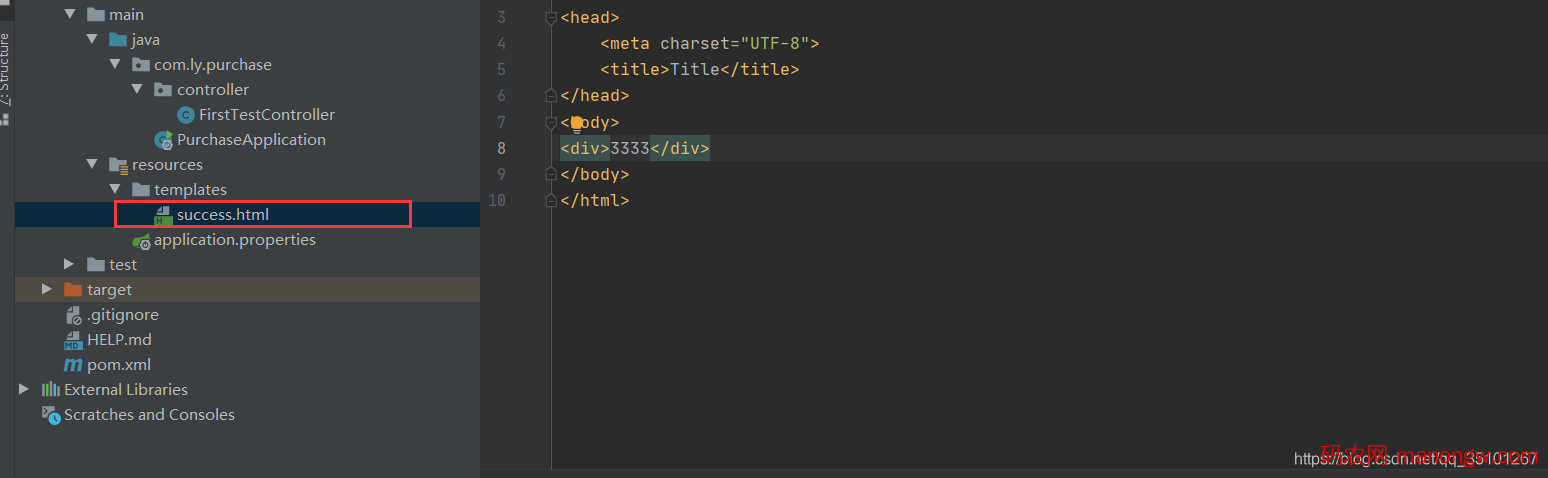
四:项目的templates文件夹下新建页面success.html,如下
五:controller
import org.springframework.stereotype.Controller;
import org.springframework.ui.ModelMap;
import org.springframework.web.bind.annotation.RequestMapping;

/**
 * @author liuhongyang
 * @2020/10/20 14:35
 * 文件说明:
 */
@Controller
public class FirstTestController {

  @RequestMapping(value = "hello")
  public String hello(ModelMap modelMap) {
    modelMap.put("hei", "thymeleaf");
    return "success";
  }
}
六:访问如下,完成